
Interested in this R730 Server?
This Dell R730 server configuration is available with warranty support and delivery to all Egyptian cities. Contact us to request it for purchase, or inquire about custom configuration options and pricing!
Trivera Expert Tip
Something worth knowing before choosing between this server and the R730xd is that GPU cards are simply not an option on the R730xd at all. If your current workload is CPU-only but there is even a possibility of adding GPU-accelerated VDI or inference tasks down the line, the PowerEdge R730 is the safer commitment since you cannot swap chassis later. On the memory side, the Dell R730 runs 8 memory channels with 3 slots per channel, and full bandwidth is only realized when all channels carry equal load, so plan your RAM upgrades in multiples of 8 or 24 DIMMs. The iDRAC Direct USB port on the front panel is also worth highlighting for on-site teams who do not have KVM infrastructure, as it gives you a direct console and firmware management connection through a standard laptop USB cable with no network required.
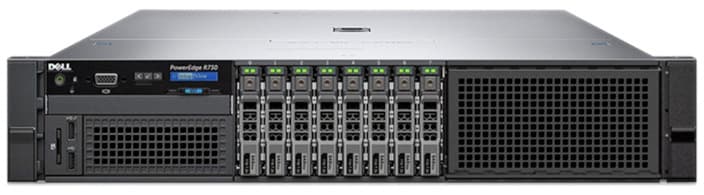
Dell PowerEdge R730 Server (8bay*2.5inch)
High performance 2U scalable rack server - 2x Intel Xeon E5-2697V4 processors, 32GB RAM
EGP 27,500
Fast Delivery: Shipping available to all cities in Egypt within 2-5 business days
The 8-bay SFF Dell PowerEdge R730 is a battle-tested enterprise workhorse that combines strong multi-threaded compute, flexible storage, and broad I/O expansion in a 2U chassis. Purpose-built for virtualization environments, ERP platforms, and private cloud infrastructure, it runs on Dual Intel Xeon E5-2697 v4 processors, placing it among the highest core count configurations the E5-2600 v4 generation has to offer. Fast SAS and SSD storage options keep application and VM data access snappy, while the onboard iDRAC8 interface gives your team full remote visibility and control without needing to be physically present at the server. Every unit sold by Trivera goes through a thorough hardware validation process to confirm it meets the reliability bar required for production enterprise environments.The 8-bay SFF Dell PowerEdge R730 is a battle-tested enterprise workhorse that combines strong multi-threaded compute, flexible storage, and broad I/O expansion in a 2U chassis. Purpose-built for virtualization environme...
This Server Spec Includes:
- CPU: Dual(2) Intel(R) Xeon(R) E5-2697V4@2.30GHZ | Total: 36 Core, 72 Threads, 90MB Cache
- Ram: 32GB DDR4
- Storage: 4x 1TB SAS 2.5" | Total: 4TB HDD
- Raid Controller: Dell PERC H730
- Lan Card: 4x port 1Gb
- Power Supply: Dual(2) 750W
The Dell PowerEdge R730 in Egypt is deployed in mid-size enterprises and private universities as a general purpose virtualization host and application server.
Interested in this R730 Server?
This Dell R730 server configuration is available with warranty support and delivery to all Egyptian cities. Contact us to request it for purchase, or inquire about custom configuration options and pricing!
Something worth knowing before choosing between this server and the R730xd is that GPU cards are simply not an option on the R730xd at all. If your current workload is CPU-only but there is even a possibility of adding GPU-accelerated VDI or inference tasks down the line, the PowerEdge R730 is the safer commitment since you cannot swap chassis later. On the memory side, the Dell R730 runs 8 memory channels with 3 slots per channel, and full bandwidth is only realized when all channels carry equal load, so plan your RAM upgrades in multiples of 8 or 24 DIMMs. The iDRAC Direct USB port on the front panel is also worth highlighting for on-site teams who do not have KVM infrastructure, as it gives you a direct console and firmware management connection through a standard laptop USB cable with no network required.
Why Your Trivera Hardware Purchase Is Risk Free
14-Day Compatibility Guarantee
We understand that enterprise integration can be complex. If this server doesn't meet your project requirements or rack/setup specifications, return it within 14 days. No restocking fees and no hidden penalties for our business partners.
1-Year Trivera Certified Warranty
Every unit undergoes a full hardware validation process and comes with our comprehensive local warranty, ensuring your mission‑critical infrastructure is protected against component failure and manufacturing defects.
R730 Server Capabilities
Key Features
Expansion and I/O
Recommended Use Cases
Consider Alternatives For
For complete details on the PowerEdge R730 Server, check the official Dell datasheet
FAQ about Dell r730
Common questions about this server answered by our technical team
What is the key difference between the Dell R730 and the Dell R730xd, and which is the right choice?
Both servers are built on the same processor and memory architecture, but they serve different priorities. The PowerEdge R730xd is designed around storage density and can hold up to 24 drives depending on chassis configuration. The PowerEdge R730, by contrast, is the only member of this server family with GPU support, capable of housing up to 4 single-wide or 2 double-wide accelerator cards. For purely storage-heavy workloads like backup repositories or file servers, the R730xd is the stronger fit. For virtualization with GPU passthrough, VDI rendering, or any workflow that may involve compute acceleration, the R730 is the correct platform to invest in. This is a permanent decision as the chassis design of each model is fixed and cannot be modified after purchase.
What operating systems and virtualization platforms run on the PowerEdge R730?
The Dell PowerEdge R730 has broad OS compatibility covering VMware ESXi from version 5.x through 7.x, Windows Server from 2012 R2 through 2022, and the most widely used Linux distributions including RHEL, Ubuntu Server LTS, CentOS, SUSE Linux Enterprise Server, and Debian. On the virtualization side it works natively with Proxmox VE, Microsoft Hyper-V, and Citrix Hypervisor. Every unit configured by Trivera ships with a tested and validated driver stack so the installation process is clean and consistent regardless of which platform you deploy.
How is the Dell R730 managed remotely, and what options exist for on-site access without a KVM?
Remote management on the Dell PowerEdge R730 runs through iDRAC8 with Lifecycle Controller, which handles everything from power cycling and virtual console to firmware updates and hardware health monitoring, all through a standard browser without requiring physical presence at the server. For on-site access, the iDRAC Direct USB port on the front panel lets a technician plug in a laptop and reach the management interface directly without any network dependency, which is particularly useful in server rooms without dedicated KVM equipment. Upgrading to iDRAC8 Enterprise unlocks a separate dedicated management NIC that isolates all iDRAC traffic from production network interfaces, along with a vFlash slot for hosting OS images and deployment scripts.
Related Products
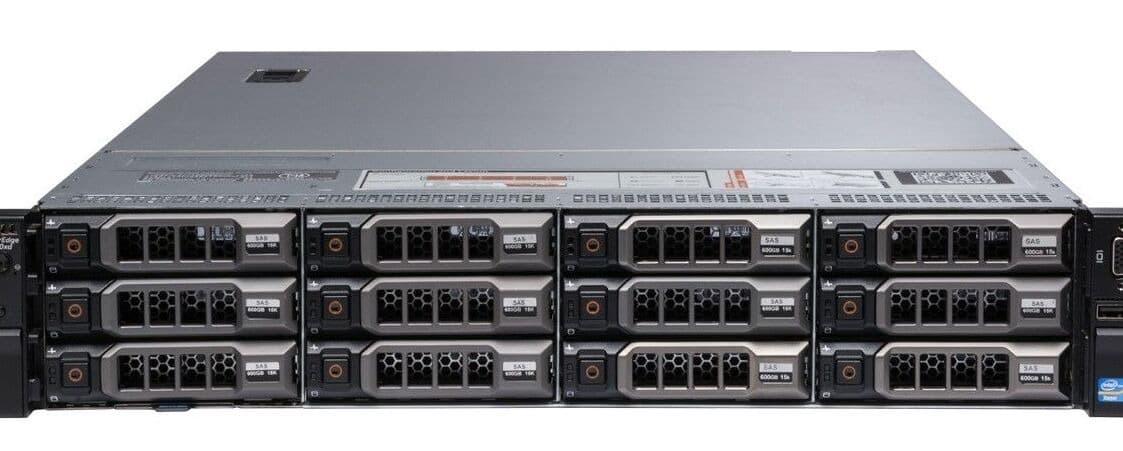
Dell PowerEdge R730XD Server (12bay*3.5inch)
EGP 31,600
2U high capacity storage optimized rack server - 2x Intel Xeon E5-2680V4 processors, 64GB RAM
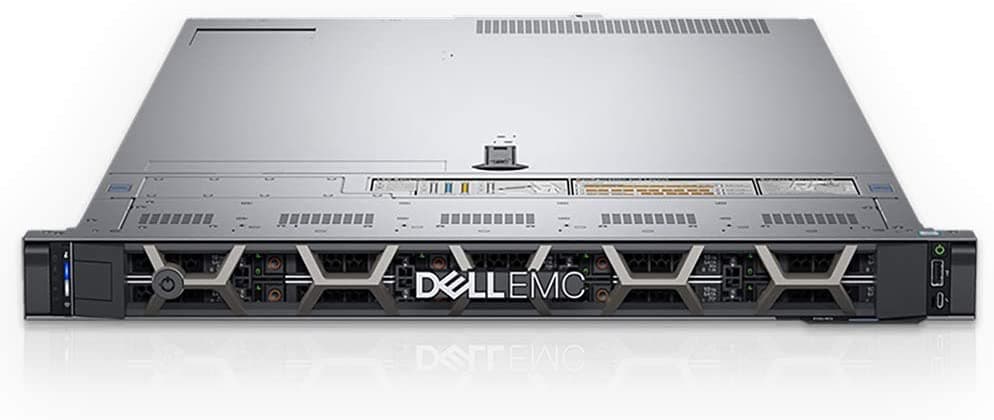
Dell PowerEdge R640 Server (10-bay*2.5-inch)
EGP 52,300
High density 1U enterprise rack server - 2x Intel Xeon Gold6138 processors, 64GB RAM
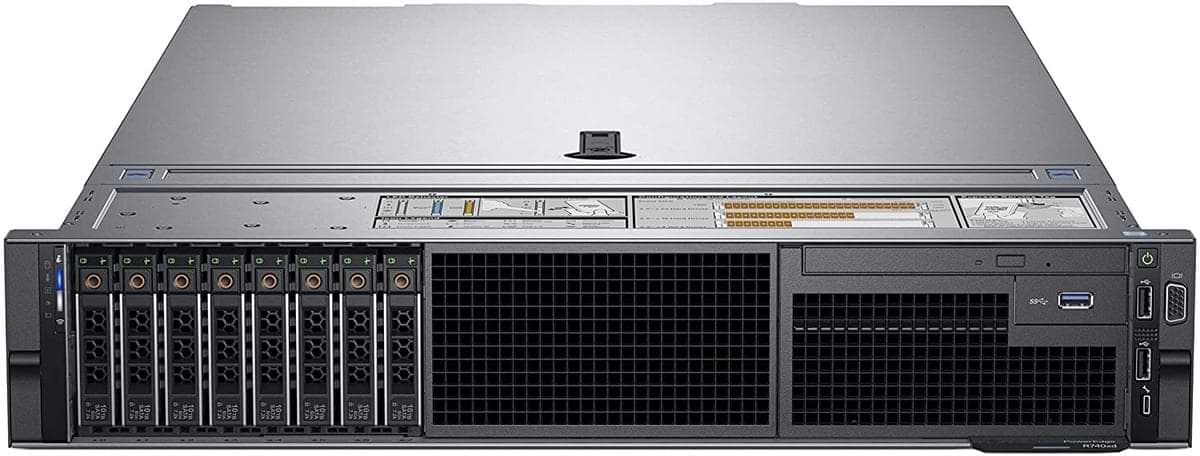
Dell PowerEdge R740 Server (8-bay SFF)
EGP 64,800
Enterprise grade high performance 2U rack server - 2x Intel Xeon Gold6138 processors, 32GB RAM
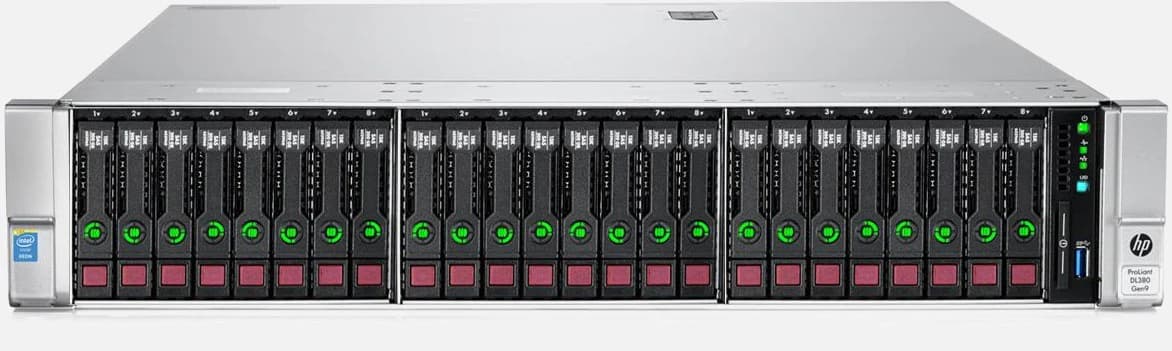
HPE Proliant DL380 Gen9 Server (24-bay sff)
EGP 48,700
HPE Proliant DL380 Gen9 enterprise server, 2x Intel Xeon E5-2680V4 processors, 64GB RAM
Dell PowerEdge R730XD Server (12bay*3.5inch)
EGP 31,600
2U high capacity storage optimized rack server - 2x Intel Xeon E5-2680V4 processors, 64GB RAM
Dell PowerEdge R640 Server (10-bay*2.5-inch)
EGP 52,300
High density 1U enterprise rack server - 2x Intel Xeon Gold6138 processors, 64GB RAM
Dell PowerEdge R740 Server (8-bay SFF)
EGP 64,800
Enterprise grade high performance 2U rack server - 2x Intel Xeon Gold6138 processors, 32GB RAM
HPE Proliant DL380 Gen9 Server (24-bay sff)
EGP 48,700
HPE Proliant DL380 Gen9 enterprise server, 2x Intel Xeon E5-2680V4 processors, 64GB RAM